


The Best Day Trading Setup for Beginners - Hardware and Software
A good day trading setup doesn’t guarantee profits, but a poorly built one will almost certainly cost you a few trades. Your setup directly affects how quickly you react to the market, how comfortably you trade for hours, and how efficiently you analyze price movements.
The right setup keeps you fast, focused, and in control, which is exactly what you’ll need for active trading.
A good day trading setup should:
- Let you monitor multiple charts across different timeframes at once
- Execute orders fast without platform lag or connection drops
- Keep your workspace comfortable enough to trade for extended periods
- Display clean, readable data without straining your eyes
- Stay stable during volatile market hours when everything counts
This guide outlines everything you need to create the perfect setup for day trading in 2026.
Quick Overview of the Best Day Trading Setup
| Item | Best Recommendation | Cheaper Alternative | Cost Range |
|---|---|---|---|
| Computer | Dell XPS 8960 Desktop | Acer Aspire C27 All-in-One | $700-$1,500 |
| Monitor(s) | ASUS ProArt PA278CGV 27" | Dell 24" 240Hz Adjustable Stand Monitor | $140-$500 |
| Keyboard | Keychron V5 Max QMK/VIA | Logitech Signature K650 | $49-$120 |
| Mouse | Logitech MX Master 3S | Logitech Signature M650 | $35-$120 |
| Desk | FlexiSpot E7 Pro Standing Desk | Amazon Basics Adjustable Standing Desk | $140-$500 |
| Chair | Secretlab TITAN Evo | Ticova Elastic Lumbar Support Office Chair | $200-$700 |
| Internet | Wired Fiber / Gigabit Cable | High-speed cable (300+ Mbps) | $50-$100/month |
| Backup Power | APC Back-UPS Pro 1500VA | CyberPower CP1000PFCLCD | $130-$220 |
| Lighting | BenQ ScreenBar Plus | TaoTronics LED Desk Lamp | $49-$150 |
| Brokerage | Interactive Brokers | Webull | Free-$30/month |
| Charting Software | TradingView Pro | thinkorswim by Schwab | Free-$199/month |
| Educational Resources | Investopedia Academy | YouTube + Free Investopedia | Free-$997+ |
| Prop Trading Firm | AtlasFunded | No cheaper alternative | From $5 |
| Screener/Scanner | Trade Ideas | Finviz | Free-$118/month |
| Trade Journal | TraderSync | Tradervue | Free-$30/month |
| News Feed | Benzinga Pro | MarketWatch (Free) | Free-$197/month |
Ideal Day Trading Setup for Beginners
The following are the hardware and software components that you should have in your setup.
1. Computer
Your computer is the foundation of your day trading setup, and you must never compromise in this area. Unlike casual browsing or basic office work, day trading involves running multiple charts and trading platforms all at the same time.
A computer with a slow processor or low memory can cause lag, delayed order execution, and frozen screens during volatile market conditions. Trading platforms like TradingView and Thinkorswim rely heavily on single-core CPU speed, so clock speed matters more than having dozens of cores.
For most home setups, a desktop beats a laptop on value. You get more power per dollar, better cooling for the really long trading sessions, more ports for connecting multiple monitors, and easier upgrades.
What to look for:
- At least an Intel Core i7 or i9 (12th gen or newer), or an AMD Ryzen 7/9
- At least 16GB of RAM (32GB preferred if running several programs)
- A 512GB or 1TB SSD, which loads software significantly faster than traditional hard drives
- Support for multiple monitor outputs
Best Recommendation: Dell XPS 8960 (Intel Core i7, 16-32GB RAM, 1TB SSD)
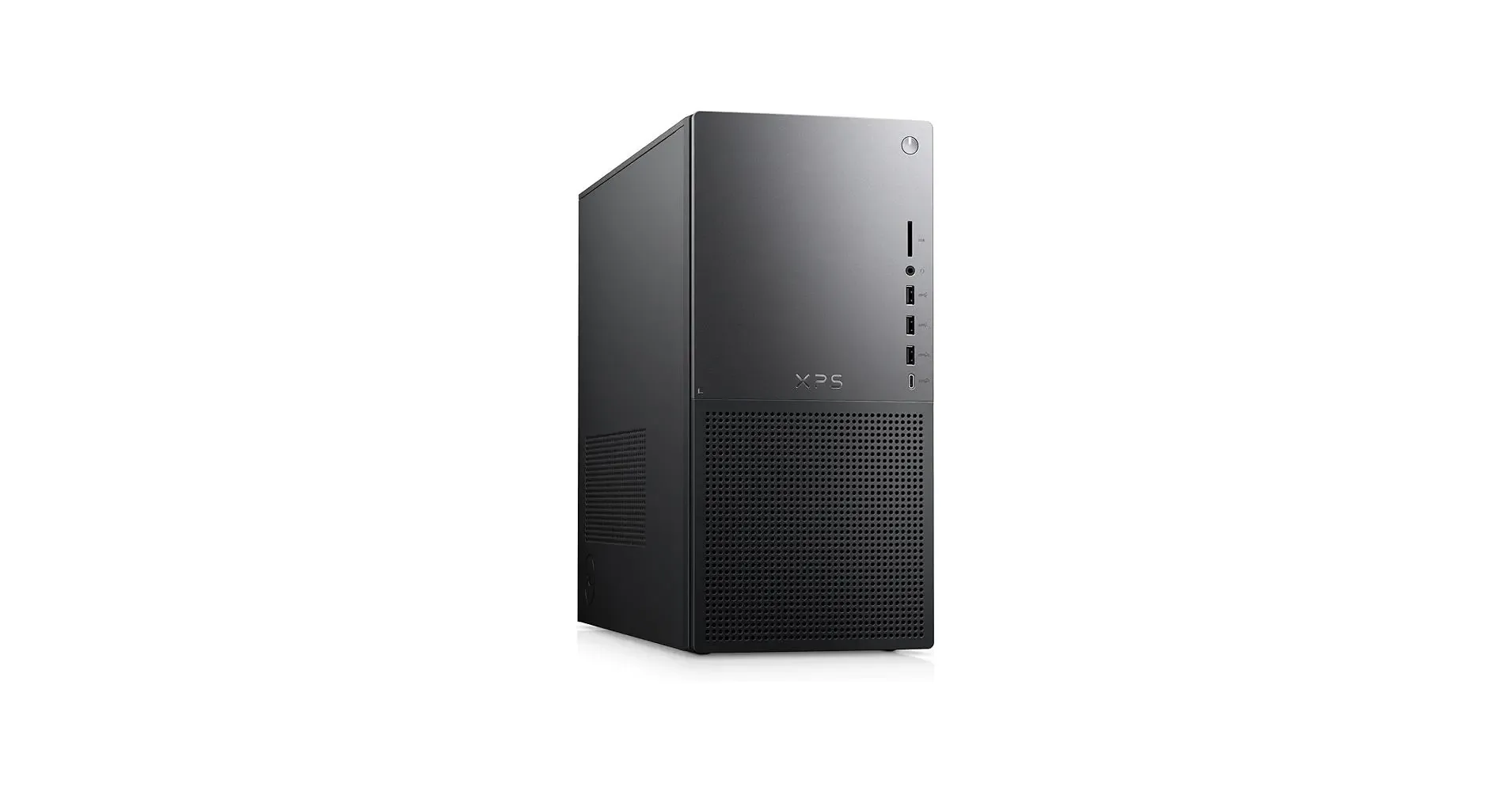
Price Range: $1,500-$2,000, depending on your configuration.
Cheaper Alternative: Acer Aspire C27 All-in-One
An all-in-one that includes a 27" display. Enough power to run a single trading platform while you're learning.
Price Range: $500-$900.
2. Monitors
Screen real estate is one of the biggest practical differences between a beginner setup and a professional one. More monitors mean you don’t have to keep switching between windows repeatedly. This way, you can view multiple charts, indicators, watchlists, and news feeds at the same time.
Most traders start with two monitors before gradually expanding as their workflow becomes more advanced.
What to look for:
- Full HD (1920×1080) or higher resolution
- IPS panels for better viewing angles
- Thin bezels for multi-monitor setups
- Screen sizes between 24 and 34 inches
Best Recommendation: ASUS ProArt PA278CGV 27"
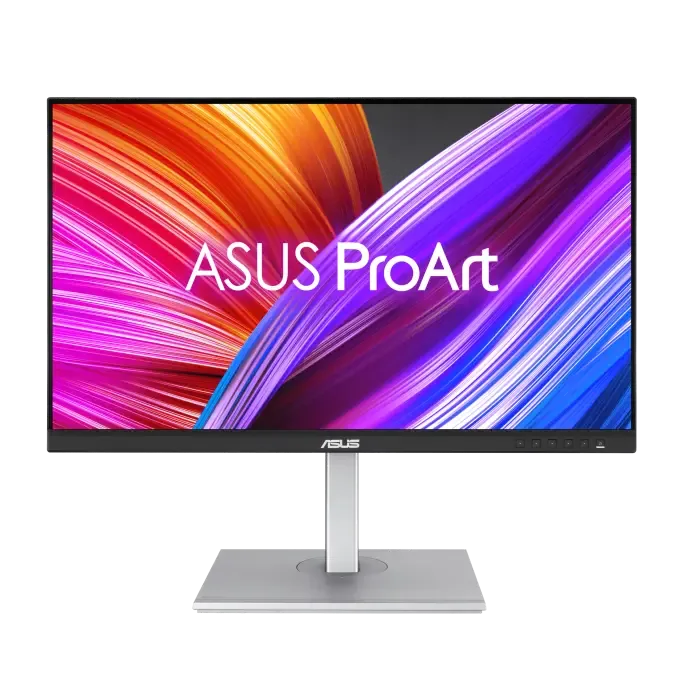
IPS, 1440p, 600 nits brightness, ergonomic stand, and built-in eye care. Get two for a clean dual-screen trading setup
Typical Price: $350
Cheaper Alternative: Dell 24 240Hz Adjustable Stand Monitor
Price Range: $130-$200
Some monitor arrangement tips:
- Two monitors: Side by side, top edge at eye level. One for charts and order entry, one for scanner or Level 2 data.
- Three monitors: Add a third screen for a news feed or watchlist. Keep it within a comfortable neck range. For mounting more than two screens, use a VESA-compatible multi-arm stand to free up desk space and keep everything at the right height.
- Vertical monitor: Some traders rotate a third screen to portrait mode for reading long watchlists or news articles.
3. Keyboard
A keyboard may seem low priority, but if you’re entering and managing positions all day, a comfortable, accurate one makes a real difference.
What to look for:
- Ergonomic design: Comfortable key travel, quiet operation, and a layout that doesn't crowd your desk.
- Programmable keys or macros.
- Wireless vs. wired: Wireless keyboards are cleaner on the desk, while wired removes any latency risk.
Best Recommendation: Keychron V5 Max QMK/VIA
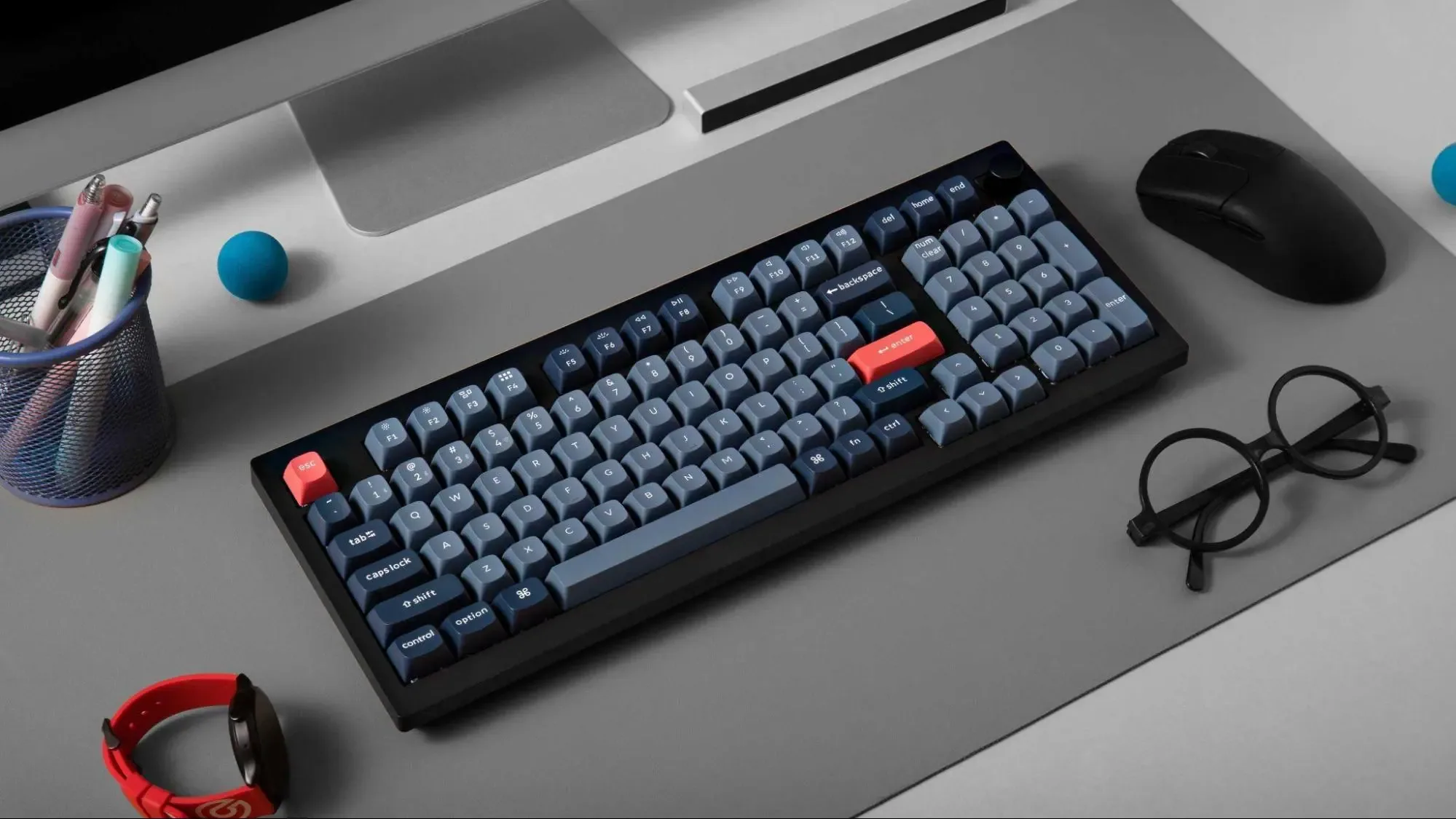
Price Range: $110-$120
Cheaper Alternative: Logitech Signature K650
A compact and affordable wireless keyboard for a starting setup.
Price Range: $40-$60.
4. Mouse
Precision matters when placing trades quickly. A high-quality mouse improves navigation speed and reduces hand fatigue.
It also helps traders execute trades and navigate charts more efficiently.
What to look for:
- Since your mouse is in your hands for hours, go for models with ergonomic designs
- Customizable buttons for navigating between workspaces or triggering shortcuts.
- DPI sensitivity: Adjustable DPI lets you fine-tune cursor speed based on your monitor setup and personal preference.
Best Recommendation: Logitech MX Master 3S
Ergonomic, customizable buttons and a MagSpeed scroll wheel for fast chart navigation.
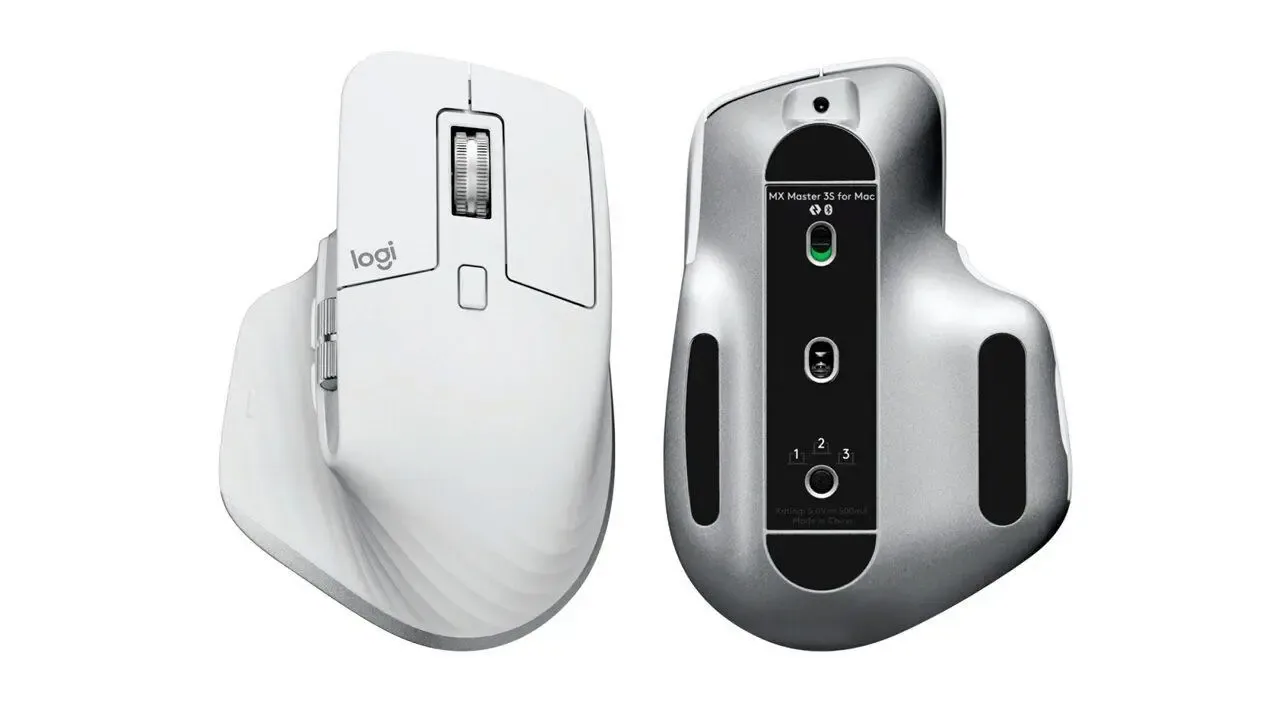
Typical Price Range: $90-$100.
Cheaper Alternative: Logitech Signature M650
A simple wireless mouse that delivers reliable performance and hyper-fast scroll for everyday trading tasks.
Price Range: $35-$45
5. Desk
Every good setup needs a desk for all the other components. It needs to be wide enough to hold your monitors, deep enough to keep screens at a healthy viewing distance, and sturdy enough not to wobble when you're moving around.
What to look for:
- Width: At least 55-60 inches for a two-monitor setup
- Depth: 28-32 inches puts your monitors far enough away to reduce eye strain.
- Height adjustability: If you can afford a sit/stand desk, it's worth it. Alternating between sitting and standing during long trading sessions improves focus and reduces fatigue.
- Cable management: Built-in cable trays or grommets keep your setup organized and reduce desk clutter.
Best Recommendation: FlexiSpot E7 Pro Standing Desk
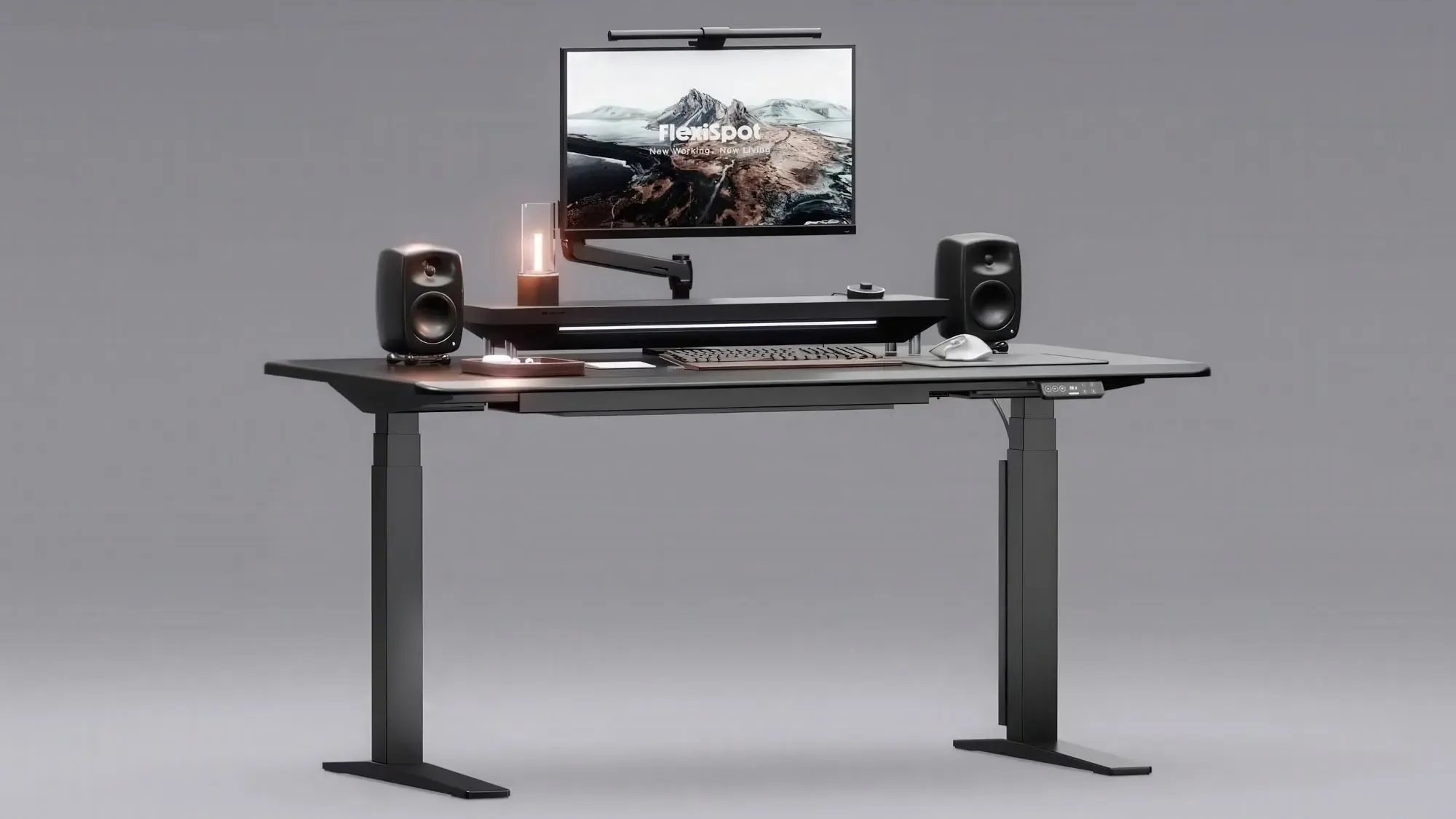
Typical Price Range: $300-$500
Cheaper Alternative: Amazon Basics Adjustable Standing Desk
A functional electric option without the premium features.
Price Range: $140-$250
6. Chair
Most beginners spend money on monitors and overlook the chair they sit on all day. Poor posture can reduce your concentration and lead to back pain and fatigue.
What to look for:
- Lumbar support: Adjustable lumbar support is non-negotiable for long sessions.
- Seat depth and height: Both should be adjustable to fit your body proportions.
- Armrests: 4D armrests (adjustable in height, width, depth, and pivot) are ideal.
- Breathability: A mesh back keeps you cooler during extended screen time.
- Build quality: Cheap chairs degrade fast under daily, all-day use.
Best Recommendation: Secretlab TITAN Evo
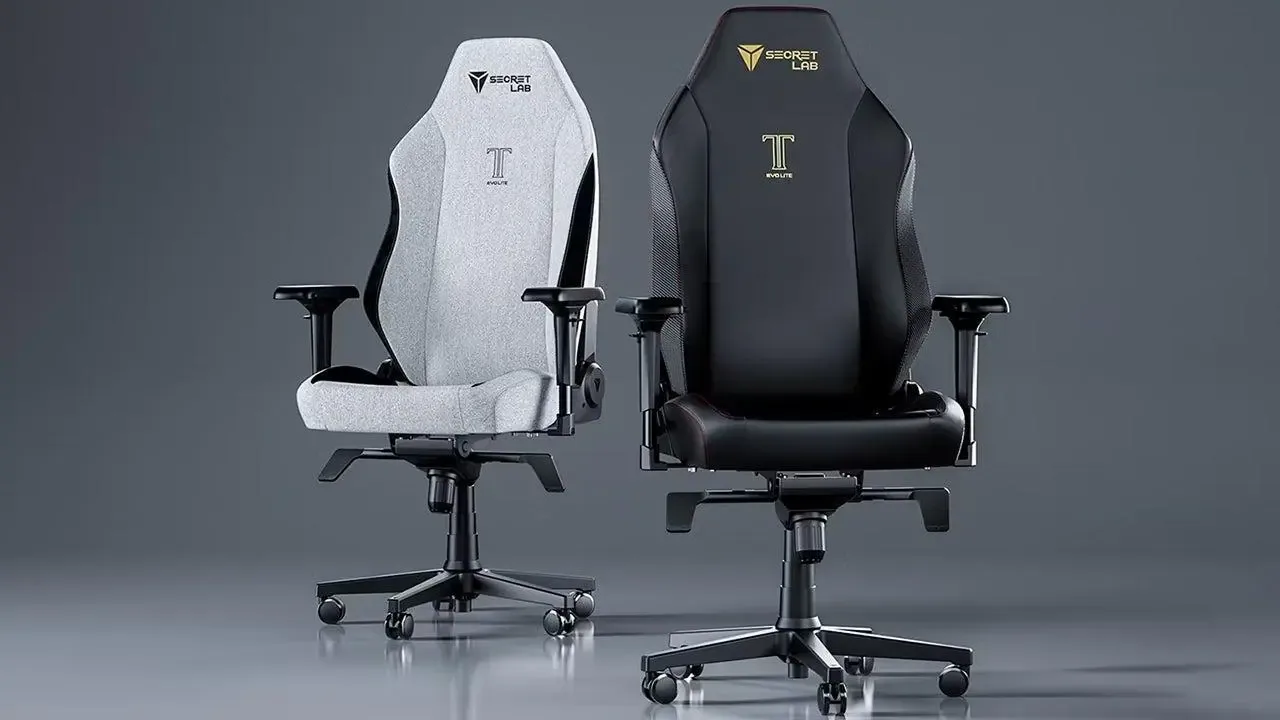
Price Range: $500-$700
Cheaper Alternative: Ticova Elastic Lumbar Support Office Chair
Weight-activated recline, adjustable lumbar support, and a flexible back that adapts to your movement.
Price Range: $100-$200.
7. Internet Connection
A fast, stable connection is a lot more important than most beginner traders realize. Trading platforms constantly stream live market data, and any interruption at the wrong moment can cost real money.
Fiber internet is generally the best choice due to its low latency and fast speeds. However, high-quality cable connections can also work well.
What to look for:
- A minimum of 25 Mbps download and 5 Mbps upload
- Low-latency connection
- Backup mobile hotspot if possible
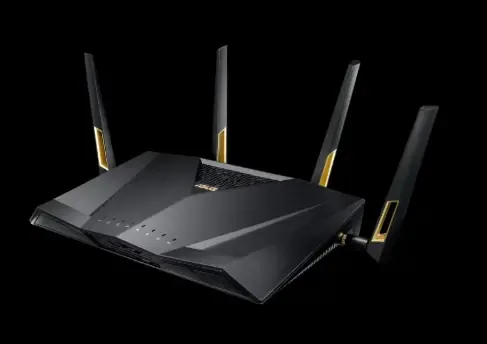
Best setup: Fiber or gigabit cable internet with a wired Ethernet connection from your router to your trading computer. Pair it with a quality router like the ASUS RT-AX88U for stable throughput.
Typical Monthly Cost: $30-$100, depending on location.
8. Backup Power
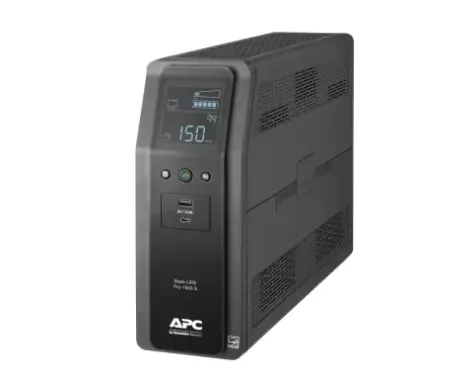
Every serious trader needs backup power. A UPS (Uninterruptible Power Supply) keeps your computer running during a power outage or voltage spike. As a day trader, losing power mid-trade is a serious risk.
What to look for:
- Runtime: Enough runtime (15-30 minutes minimum) to safely close your positions and shut down your system during an outage.
- Outlets: Enough surge-protected outlets for your computer, monitors, modem, and router.
Best Recommendation: APC Back-UPS Pro 1500VA
This unit provides several minutes of backup power, enough to save data and exit trades.
Price Range: $180-$300.
Cheaper Alternative: CyberPower CP1000PFCLCD
Offers similar functionality at a slightly lower cost.
Price Range: $150-$200.
9. Lighting
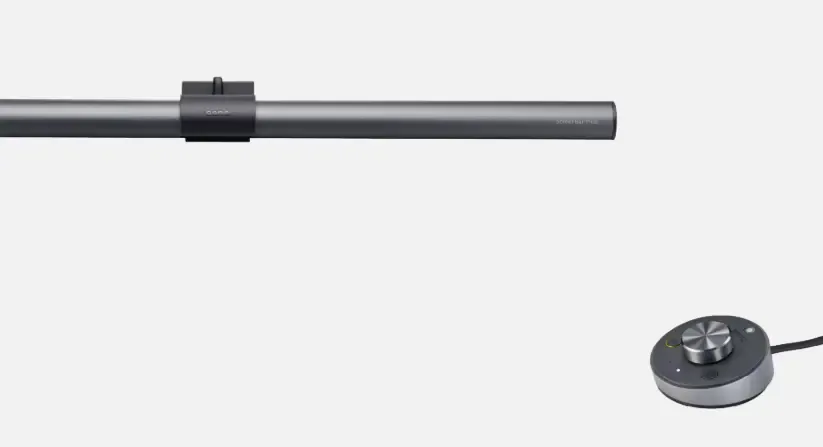
Trading in a dark room with a bright monitor is a fast track to eye strain. Proper lighting reduces the contrast between your screen and its surroundings, which makes a real difference over a long session.
What to look for:
- Avoid direct glare on your screen: Overhead or side lighting that creates reflections on your monitors is a constant distraction.
- Color temperature: 4000K-5000K (neutral to daylight white) is ideal for a trading environment.
- Adjustability: A dimmable lamp with adjustable color temperature lets you adapt to different times of day.
Best Recommendation: BenQ ScreenBar Plus
Clips to your monitor, includes an ambient light sensor, and has a desktop dial controller.
Price Range: $100-$140.
Cheaper Alternative: TaoTronics LED Desk Lamp
Simple adjustable lamps provide sufficient lighting for most beginner setups.
Price Range: $49-$89
10. Brokerage
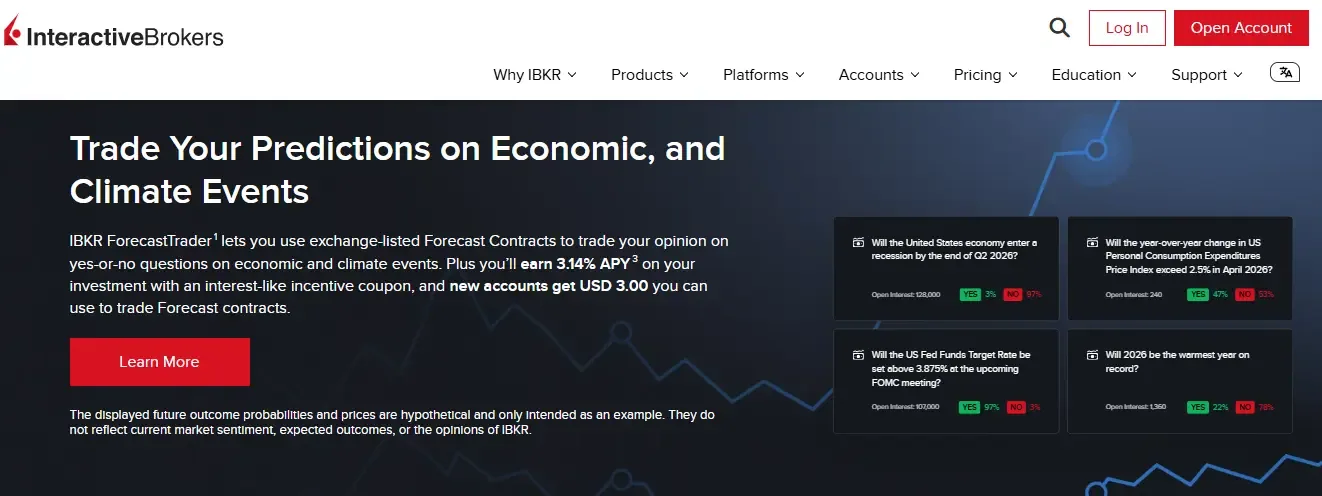
A broker connects your trading platform to the financial markets. Execution speed, fees, and platform stability are key considerations, particularly when day trading.
What to look for:
- Execution speed
- Commissions and fees.
- Platform quality: Does the brokerage offer a professional desktop platform, not just a mobile app?
Best Recommendation: Interactive Brokers
Known for low trading fees, advanced tools, and global market access, this broker is widely used by active traders.
Cheaper Alternative: Webull
Offers commission-free trading and beginner-friendly features.
11. Charting Software
Charts are the primary tool traders use to analyze price movements. Reliable charting software improves decision-making accuracy.
Best Recommendation: TradingView
TradingView supports multiple charts, indicators, and real-time alerts. It also allows traders to access charts from different devices.
Cost: Free version available. Paid plans cost $12.9-$199/month.
Cheaper Alternative: thinkorswim by Charles Schwab
Over 400 technical indicators, paper trading, and deep options analysis tools, all at zero cost for Schwab account holders.
12. Educational Resources
No day trading setup is complete without a plan to keep learning. Strategies need updating, and your ability to read setups improves with deliberate practice.
Building the hardware side of your day trading setup without investing in education is just about the same as buying a race car without learning to drive.
Recommended sources include:
- Investopedia Academy
- Babypips (Forex fundamentals)
- Structured online courses
- YouTube educational videos
13. Prop Trading Firm
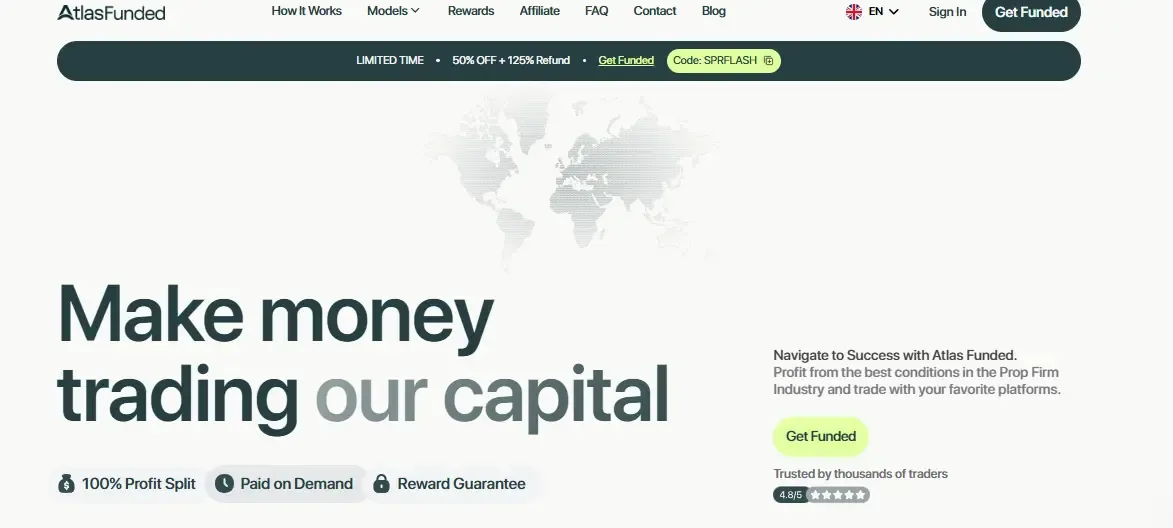
Capital is the most common problem for new day traders. But thanks to proprietary trading firms, you don’t have to risk your personal funds.
AtlasFunded solves this with a model that no traditional prop firm offers: Pay After You Pass. Through the Atlas Access challenge, you get charged a $5 fee upfront and only pay the full challenge fee after you pass the evaluation. If you don't pass, you've risked $5, not $100, $300, or $500 like with the typical upfront-fee model.
There is no cheaper alternative here because AtlasFunded’s PAYP is already the cheapest model in the prop firm space. It frees up your personal capital for the hardware and education.
14. Other Trading Tools
Your core setup covers hardware, a broker, and charts, but professional day traders also rely on a supporting layer of tools to find trades, time entries, manage risk, and track their progress.
- Scanner/Screener: A stock scanner filters the entire market in real time, surfacing the handful of names that match your setup criteria, unusual volume, pre-market gaps, or price level breaks. Trade Ideas is the professional standard at $118/month. Finviz is a solid free alternative for beginners, with the Elite plan ($25/month) unlocking real-time data.
- News feed: A news feed gets you price-moving catalysts such as earnings, FDA decisions, and macroeconomic data faster than general financial sites. Benzinga Pro ($197/month) offers a real-time headline ticker with audio alerts. For learning, MarketWatch and Yahoo Finance are free and pretty useful.
- Trade journal: A trade journal is where your actual improvement happens. Without tracking your entries, exits, setups, and emotional state, you have no data to work from. TraderSync automatically imports your trade history from most brokers and surfaces performance analytics by setup type, time of day, and instrument. Free plans are available; the Pro plan runs about $30/month. Tradervue is a reliable, cheaper alternative at $10/month.
FAQs
A mobile day trading setup is fine for monitoring trades, but it’s not ideal for full analysis. Small screens limit chart visibility, making it harder to analyze market conditions accurately. Keep a broker app on your phone for managing open positions during internet or power outages, but do your actual trading from a desktop.
No, you don’t need expensive equipment to start day trading. Many traders begin with mid-range computers and one or two monitors. Expensive hardware doesn't make you a better trader.
Hardware and software for a basic day trading setup cost $800 to $1,500 upfront, with software costs near zero if you use free tools.
Yes, it’s possible to make $1,000 daily from trading, but it’s not typical, especially for beginners. Making $1,000/day requires a tested strategy, strict risk management, sufficient capital, and real experience. For most beginners, the goal in the early phase should be preserving capital and executing your strategy correctly.
Bottom Line
You don't need everything on this list before you take your first trade. Here's a practical build order based on what actually matters most:
- Start with a reliable computer and a stable internet connection.
- Add a second monitor.
- Pick a free charting and brokerage platform.
- Invest in your chair before you buy anything premium.
- Add a UPS for backup power.
- Layer in paid tools as your skill and income grow.
One of the smartest ways to free up budget for a better setup is to stop risking your own capital and trade through a prop firm instead. With AtlasFunded, you access a funded account for as low as $5 through the Pay After You Pass model, leaving your personal funds available for hardware, education, and tools.
Ready to take the next step? Explore AtlasFunded's prop trading programs today and put your trading skills to work with the capital to match.
Explore funding programs
 Senior Writer at Atlas Funded



 Your move
 Only pay the full fee after you pass
 UK
UK ES
ES DE
DE FR
FR IN
IN IT
IT